-Long-Transparent.png?width=200&height=47&name=NEOVAULT-Sheild-Neo-(R)-Long-Transparent.png)
BLOG

How does NEOVAULT work? Developed by Neopharma Technologies Limited, NEOVAULT is a digital platform connecting workplace drug and alcohol testing, impairment screening and reporting. Its cloud portal and myNEO app help authorised teams capture test information, maintain a digital chain of custody and review activity across sites. For Safety Managers, HR teams and occupational health providers, this guide explains the testing workflow, the problems its features address and the safeguards employers should assess before deploying the system across their organisation.
The NEOVAULT workplace testing platform is a software-as-a-service system that manages workplace drug and alcohol testing alongside functional impairment screening. It connects mobile activity with a central web portal, making records and follow-up information available to authorised staff. The platform supports consistent documentation and management oversight, while employers remain responsible for testing methods, workplace policies and decisions.
The NEOVAULT Platform (Web Portal) is the management hub. It brings together testing records, reporting, access permissions and information from multiple sites. The myNEO Mobile App guides assigned workplace testing steps and helps participants submit information to the enterprise record. Available steps depend on configuration. In practice, the two interfaces support distinct tasks:
NEOVAULT supports two related but different areas of workforce risk management:
NEOVAULT manages the workflow and its records. It does not replace physical collection methods, laboratory confirmation or professional judgement.
NEOVAULT works by connecting program setup, field collection, result capture and management follow-up in one documented workflow. Organisations configure the process, authorised users record information through mobile tools, and the cloud portal makes synchronised records available for review. Offline captures can be uploaded later, while escalation and follow-up actions depend on the employer's configured procedures.
The organisation maps its existing testing policy into NEOVAULT. Administrators define:
At the collection point, the authorised workflow captures the worker's identity, site, testing reason and relevant kit details. Where enabled, QR or barcode scanning links a physical test kit to its digital record. Photo capture may support documentation, but a barcode alone cannot establish specimen integrity.
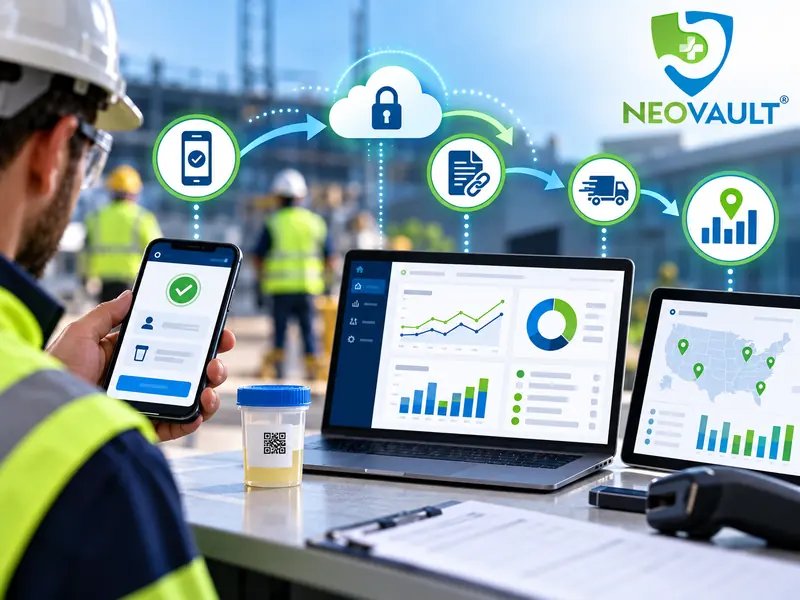
Collectors use NEOVAULT digital drug and alcohol testing workflows to record the test type, result and required observations. Depending on configuration, the record may include kit references, timestamps, photographs and sign-off. NEOVAULT digital chain of custody records help reviewers trace collection and subsequent handling.
These digital drug testing workflows support documentation, but proper specimen handling and required laboratory confirmation remain essential.
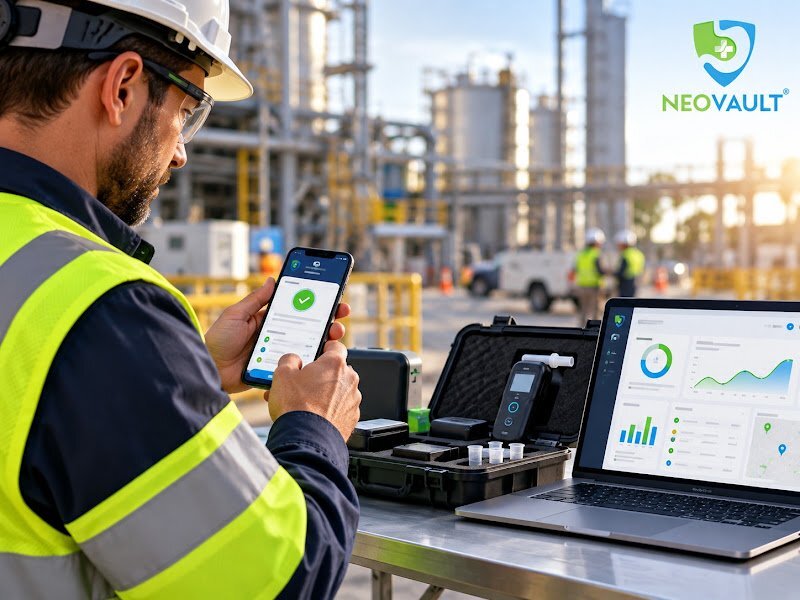
Mobile collection workflows support offline activity at sites with limited connectivity. Recorded information can synchronise when a connection returns, so an offline capture is not immediately visible on a live cloud dashboard. Where a result requires attention, configured rules help direct notification, non-negative handling, confirmation and close-out.
Reporting & Analytics allows authorised managers to check testing status, investigate incomplete records and compare activity across sites or workforce groups. Audit trails document recorded actions and timestamps. Managers can review procedures and follow-up documentation without delegating decisions to the software.
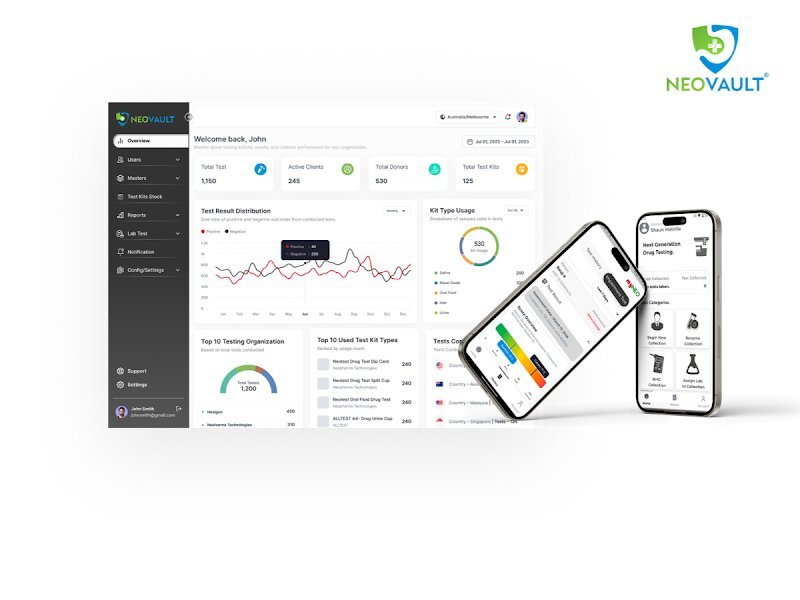
NEOVAULT dashboard for reviewing testing activity and reports
NEOVAULT addresses common documentation gaps through guided mobile workflows, QR or barcode-linked records, digital chain of custody and central reporting. These features can reduce fragmented paperwork and improve visibility across locations. They make processes easier to review across locations and shifts, but cannot establish legal compliance or guarantee error-free collection.
Digital forms and guided steps help authorised users capture the information their organisation requires. The NEOVAULT myNEO app supports assigned fit-for-duty steps, while mobile collection workflows record kit information. Offline capability is useful when connectivity is unreliable, provided staff understand when the data will synchronise.
Digital records connect test identifiers with collector details, recorded actions and timestamps. Reviewers can trace sample handling. Traceability still depends on accurate entries and proper specimen handling.
The NEOVAULT reporting dashboard gives authorised managers a consolidated view of testing activity. Reporting & Analytics supports status monitoring, historical review and site-level comparisons. Offline records appear in reports after synchronisation. Here is how those features address recurring operational issues:
| Workplace challenge | NEOVAULT capability | Practical benefit |
|---|---|---|
| Paper collection forms | myNEO digital workflow | More consistent data capture |
| Disconnected specimen records | Digital chain of custody | Easier traceability and review |
| Limited cross-site visibility | Reporting dashboard | Consolidated activity and status |
| Remote connectivity gaps | Offline mobile capability | Capture first, synchronise later |
NEOVAULT combines management of drug and alcohol testing with functional impairment screening through IRM and DRUID technology. Substance tests record information about the substances being tested, while functional screening measures aspects of cognitive and psychomotor performance. An elevated impairment result calls for review, not an automatic diagnosis, proof of substance use or disciplinary decision. These components contribute different information to a workplace fit-for-duty program:
NEOVAULT offers role-based access, recorded workflow actions and configurable processes to support governance of sensitive workplace testing information. It can also connect with broader safety systems. Employers operating internationally must still assess local privacy, employment and testing obligations, because a shared digital platform does not make legal requirements identical across jurisdictions. Three considerations matter when configuring a global or multi-site program:
NEOVAULT is relevant to employers and occupational testing providers managing documented testing across multiple people, sites and shifts. It can help where collection happens remotely or several teams manage follow-up. Buyers should examine workflow fit, reporting permissions, connectivity and escalation procedures before deciding whether the platform suits their real-world operations. Typical use cases and demonstration questions include:
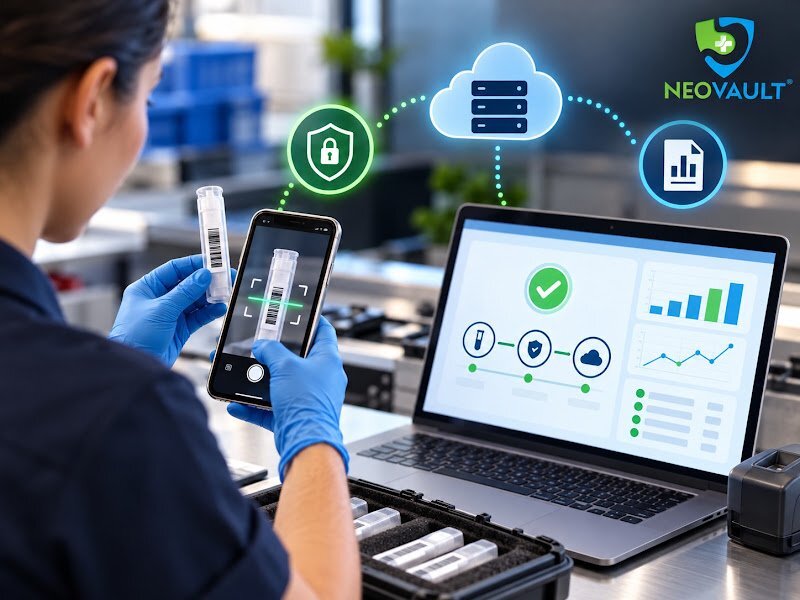
NEOVAULT dashboard and mobile apps for workplace testing teams
NEOVAULT manages workplace testing information rather than performing physical laboratory analysis, while myNEO supports configured mobile activities and DRUID adds functional impairment screening. The answers below clarify how offline capture, chain-of-custody records and supervisor review work in practice, helping employers separate software capabilities from their own responsibilities for testing decisions and compliance.
No. NEOVAULT is a software platform for documenting and managing workplace testing, not a physical test device or laboratory. Collection methods, equipment and any required confirmation remain part of the employer's testing program. NEOVAULT links the resulting records, actions and reports so authorised teams can review the process.
Yes. The myNEO app supports offline activity within configured workflows, with information synchronised when connectivity returns. This helps teams at remote sites. However, records collected offline are not immediately available for live cloud reporting, so employers should confirm device requirements and practical limitations before deployment.
NEOVAULT links test identifiers, collector details, timestamps, captured results and recorded workflow actions in a digital audit trail. Authorised users can retrieve that information for review or reporting. Reliable chain-of-custody documentation still depends on appropriate collection, specimen handling and the rules of the relevant testing program.
No. DRUID measures changes in cognitive and psychomotor performance against a personal baseline; it does not identify their cause. An elevated result may justify further assessment under an established workplace procedure. It should not automatically become a diagnosis, proof of substance use or a disciplinary finding.
How does NEOVAULT work in practice? It connects configured workplace testing workflows with mobile data capture, digital chain-of-custody records, impairment screening options and centralised reporting. That combination can make testing activity easier to document and review, while employers remain responsible for worker protections and appropriate decisions. If your team is comparing paper-based processes with digital alternatives, explore the NEOVAULT platform and request a focused product demonstration based on one of your own existing testing workflows to assess its practical fit.